Installation
Chrome Web Store (Recommended)
-
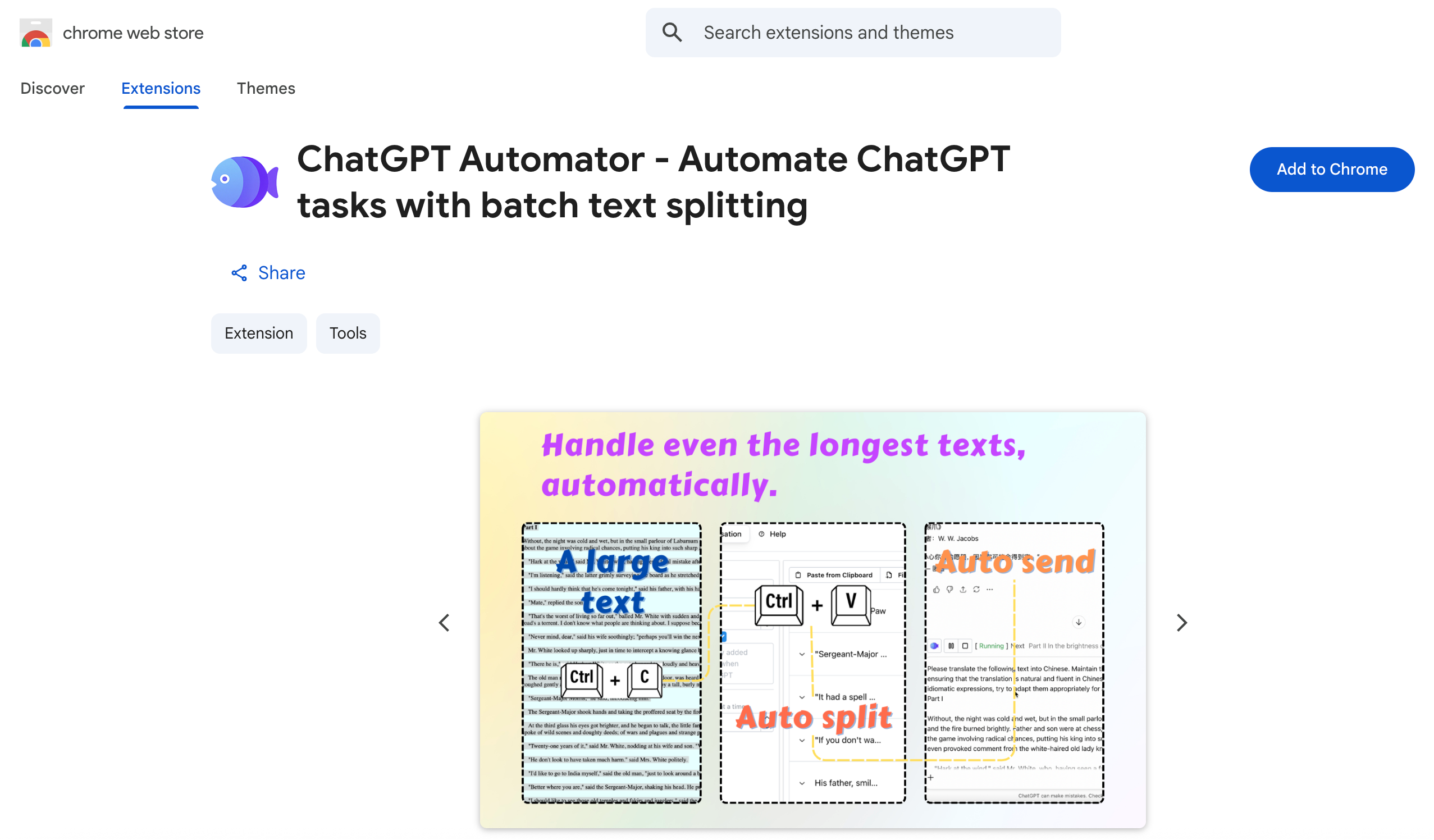
Open the Chrome Web Store link here.
-
Click Add to Chrome.
-
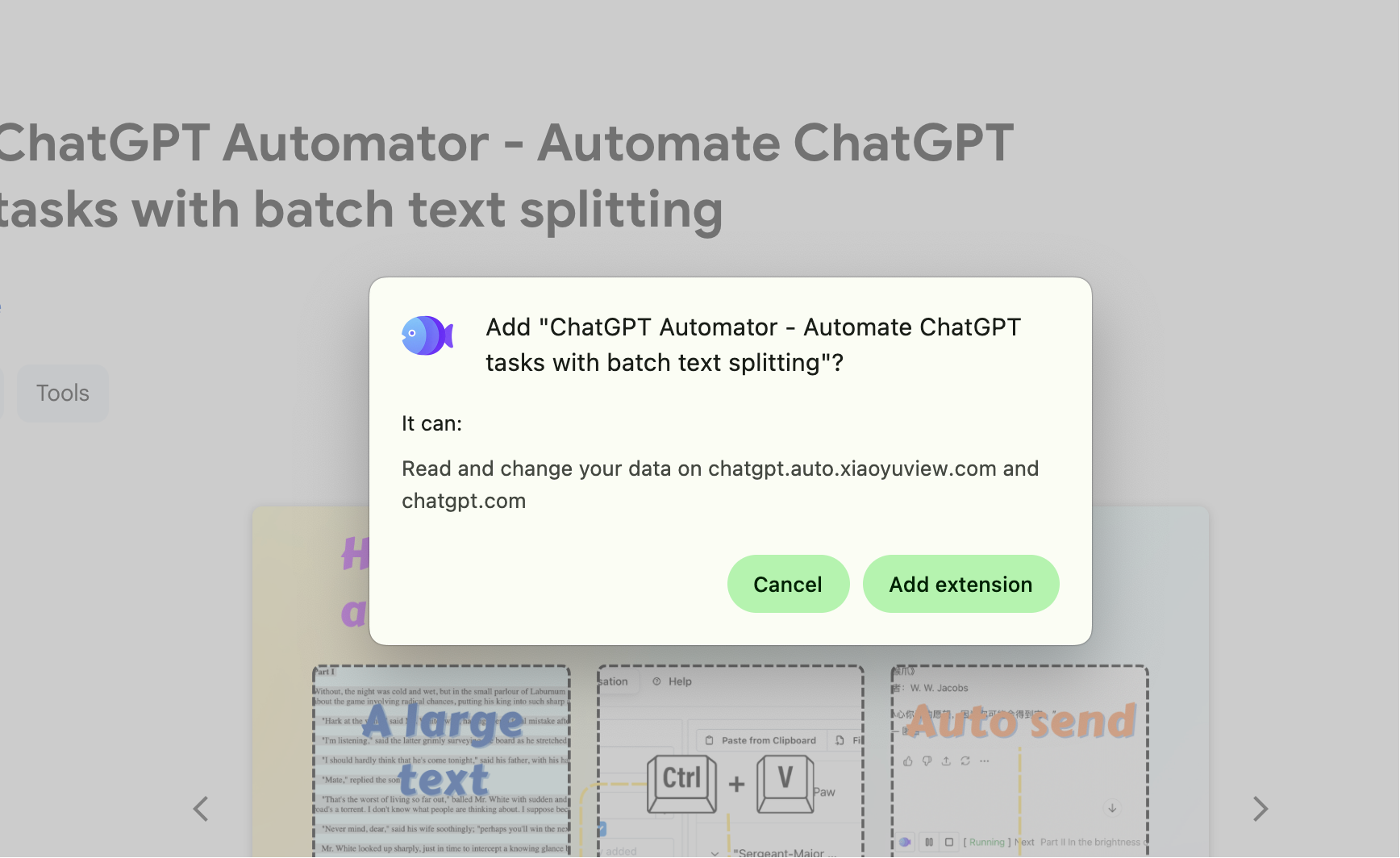
Confirm the installation by clicking Add extension.
-
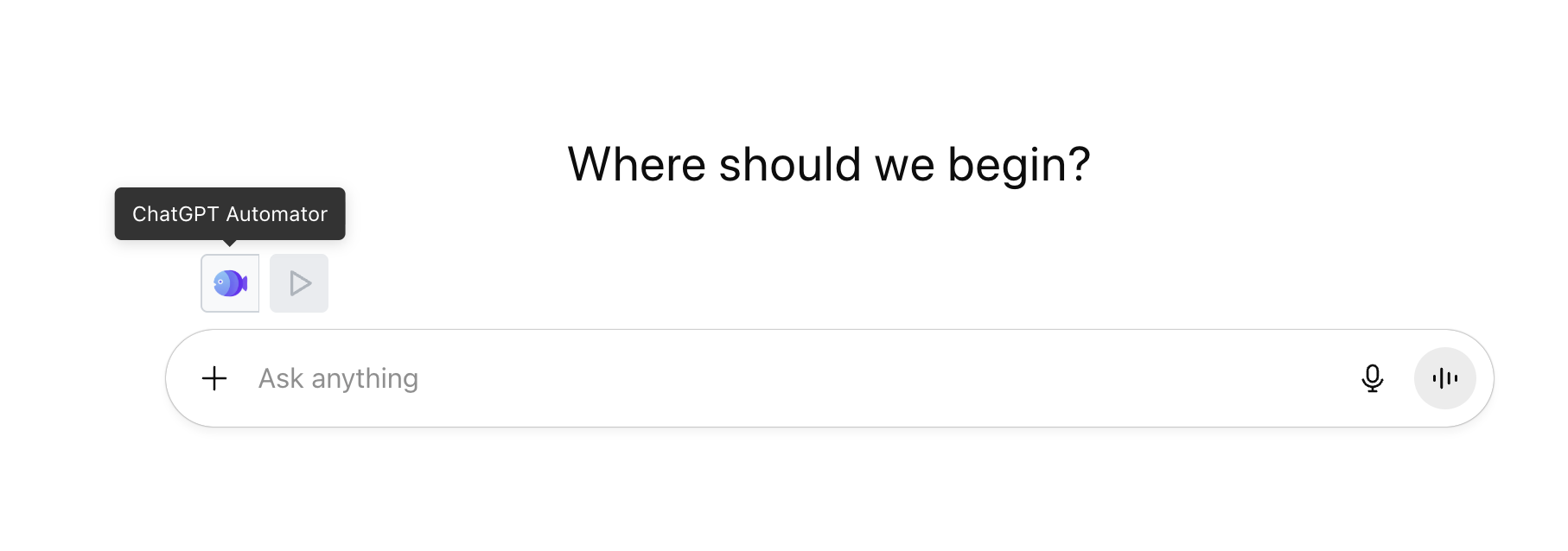
Once the installation is complete, open chatgpt.com and you will see the ChatGPT Automator icon appear in your Chrome toolbar.